If your Instagram looks beautiful but your website hasn’t been updated in five years old, or doesn’t exist, then is it any wonder you’re struggling with bookings? Couples may find you on social media, but your website is where they will compare suppliers, look for prices and try to figure out who’s available. Whether you’re creating a website for your business from scratch or updating one that’s been neglected for years, the challenge is how to turn someone admiring your work into someone making an enquiry. For wedding suppliers, that means making it easy for couples to understand what you offer, what it costs and how to book you.
What couples want to see
Whatever sort of supplier you are, couples are always looking for the same four answers:
Do we like their work?
Are they available?
Can we afford them?
How do we enquire?
Make those things easily accessible from the homepage, with pricing and contact details no more than one click away.
Should wedding suppliers publish their prices?
Short answer: Yes. Gen-Z couples to not want to send a million enquiry emails before they even know if they can afford you. So at the very least, include a “starting from” figure.
There’s a supplier for every budget. If a couple are considering two photographers, one says, “Contact us for a bespoke quote” and the other says, “Full-day wedding photography from £1,800″, the second is instantly going to be more appealing because it helps couples assess whether they’re a match. Publishing prices may reduce enquiry volume, but fewer enquiries aren’t necessarily bad if more of them become bookings. The useful measures are enquiry-to-booking conversion, average booking value and time spent responding to unsuitable leads.

Asking a simple question should not require six emails
No-one likes sending and receiving multiple emails just to get a simple answer and couples do not want to have to tell you their entire life story just to find out if you’re available.
Keep enquiry forms short: wedding date, location, service and contact details. For consultations, let couples choose an available appointment directly. One.com’s Aida Booking plan supports online appointments, automatic confirmations and calendar management, with a limit of 25 appointments monthly. Commerce offers unlimited bookings. One.com estimates its booking agent can save up to 20 hours of administration per month. A consultation isn’t a confirmed wedding booking. Contracts and deposits may still be needed. If you want to collect deposits online, check whether your chosen platform supports them within the booking process or requires another service.
Your gallery
A photography website needs beautiful images, but enormous files can make it painfully slow. Start with a carefully selected homepage gallery, perhaps 12 strong photographs, and organise additional work into separate collections. There’s no magic image limit, but file sizes and load speed matter.
Compress photographs, use responsive images and test the gallery on your phone without Wi-Fi. On a photographer’s website, visitors should be able to appreciate the work without waiting for dozens of full-resolution files. And don’t let AI-generated copy erase your personality. Aida can draft website content, but only you can explain how you handle nervous couples, unpredictable weather or a ceremony running late.

What’s the best website builder for a UK small business?
Here’s how some of the most commonly used platforms compare:
| Platform | Galleries | Bookings and deposits | Sales fees | Domain and email | Setup time | Free trial |
| one.com | AI-built, manually editable | Bookings included; check deposit options | 0% commission on Commerce | Both included; domain free year one on selected extensions | ~10-minute initial site, per one.com | 14 days, no card |
| Squarespace | Design-led templates | Acuity Scheduling; payment options vary | Plan-dependent | Domain free year one on annual plans; email extra | Depends on setup | 14 days, no card |
| Wix | Flexible editor | Wix Bookings; payment setup varies | Plan-dependent | Domain on eligible plans; email separate | Depends on setup | Free plan available |
| Shopify | Product-focused themes | Appointment apps generally required | Plan/payment-dependent | Domain separate; email arrangements vary | Depends on setup | 3 days, no card |
In short:
Squarespace is particularly good for a polished, gallery-led design.
Wix offers more hands-on editing freedom.
Shopify is best for product-based businesses.
One.com might be a good choice if you value convenience more than extensive customisation. They offer three plans:
Portfolio: Website creation and one 3GB email account.
Booking: Five 3GB email accounts and up to 25 appointments monthly.
Commerce: 25 email accounts, unlimited bookings and products, and 10+ payment methods
If you’re selling albums, prints or workshops, One.com’s Commerce plan lists 0% platform commission, although payment processing fees are separate. For another perspective, see this guide to website builders for independent venues and event businesses.
Suppliers
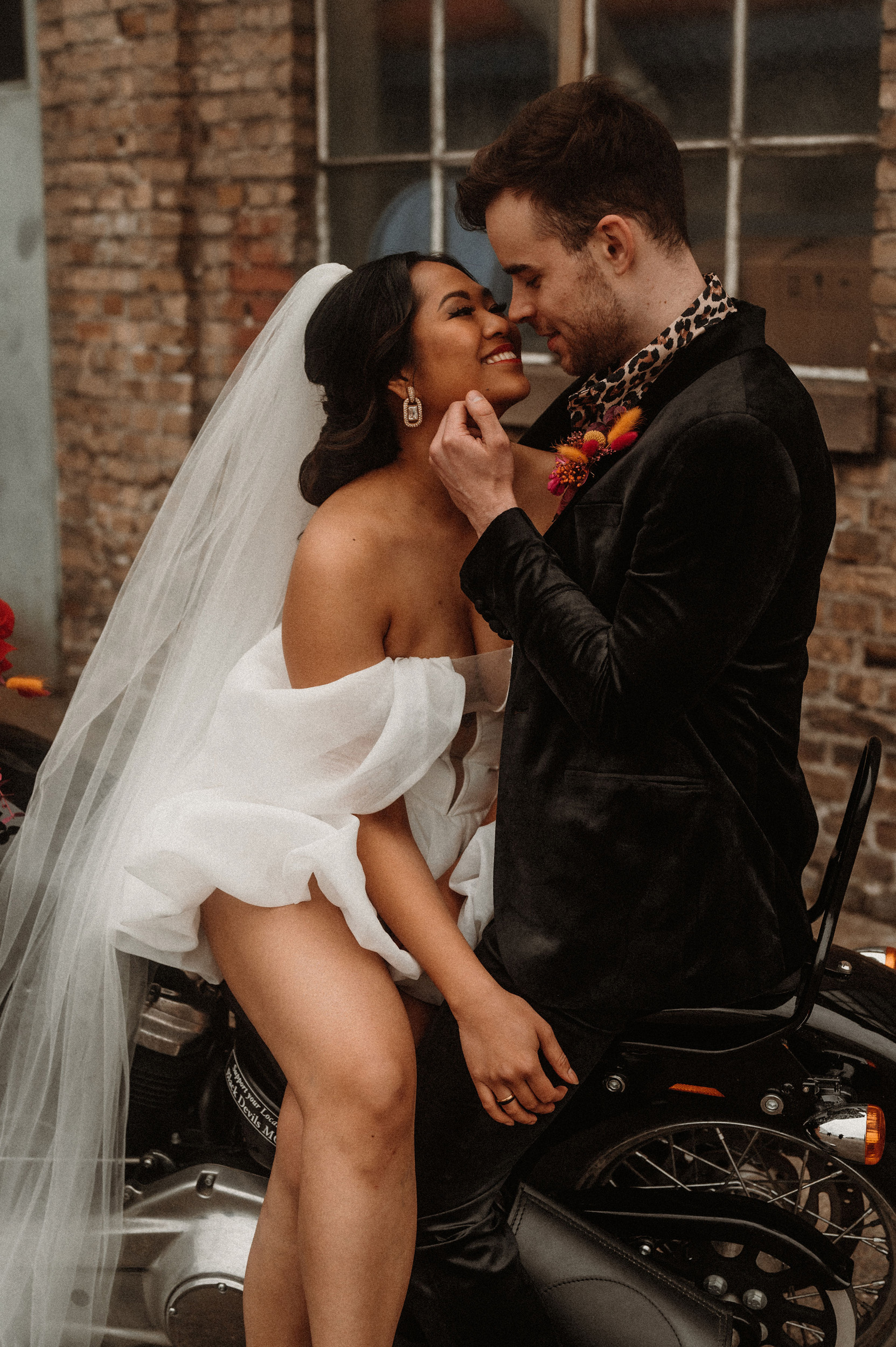
- Photography: Natalescha