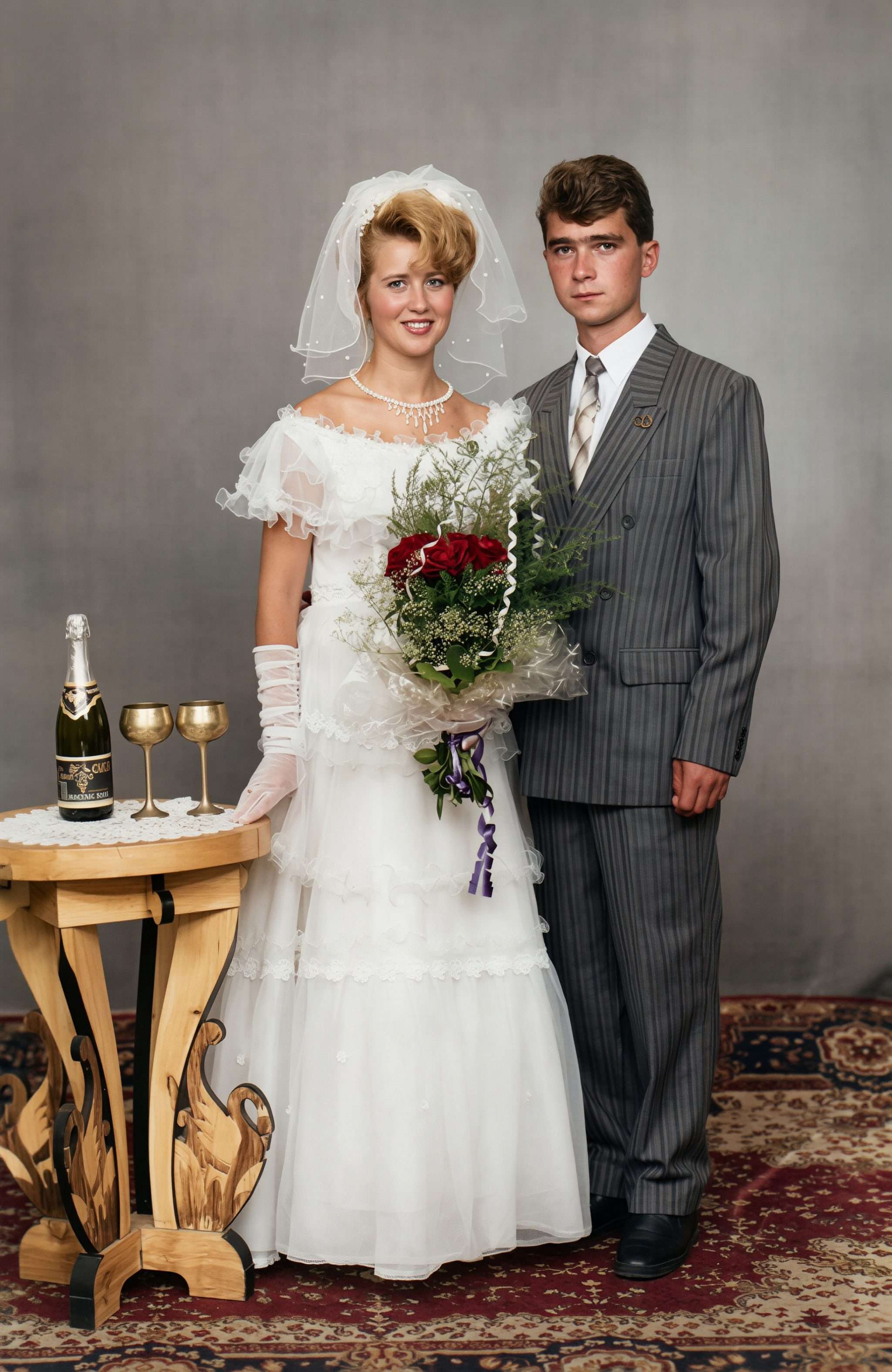
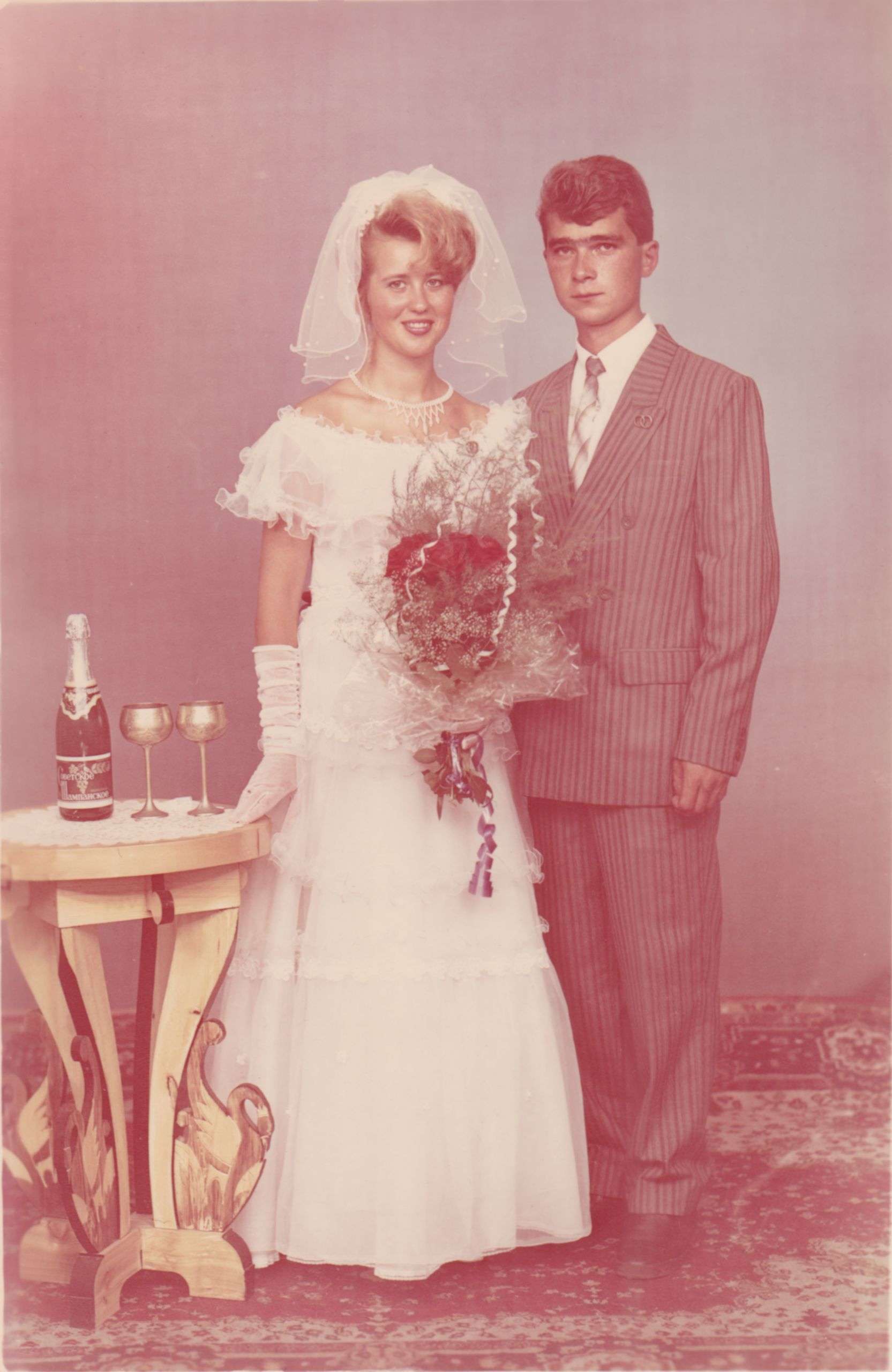
Have you ever found a long-forgotten wedding photo while emptying a drawer and wondered what it looked like when it was first taken? The colours may have dulled or faded; there may be scratches… if its really old, maybe the people’s faces are hardly visible anymore. Even those early 2000s digital photos can sometimes need some help. The resolution may have been tiny so the images are really small. And if the photo was taken by a friend or family member, the lighting may be poor or there might be that old classic red eye from the flash!
All these things don’t make the photo any less special, but they could look better and be easier to share and print today. The aim should be to reveal what is already there, rather than airbrushing the past into something suspiciously perfect. And these days, its easier than ever to do yourself.
Before you Begin…
The first thing you should do is create a copy of the original photo, You don’t want to work on it, make changes you don’t like and not be able to go back. If its an older, physical print, do a scan first and save that scan without making any further changes to it. If it’s already a digital photo, simply save it in a different file before opening it for editing.
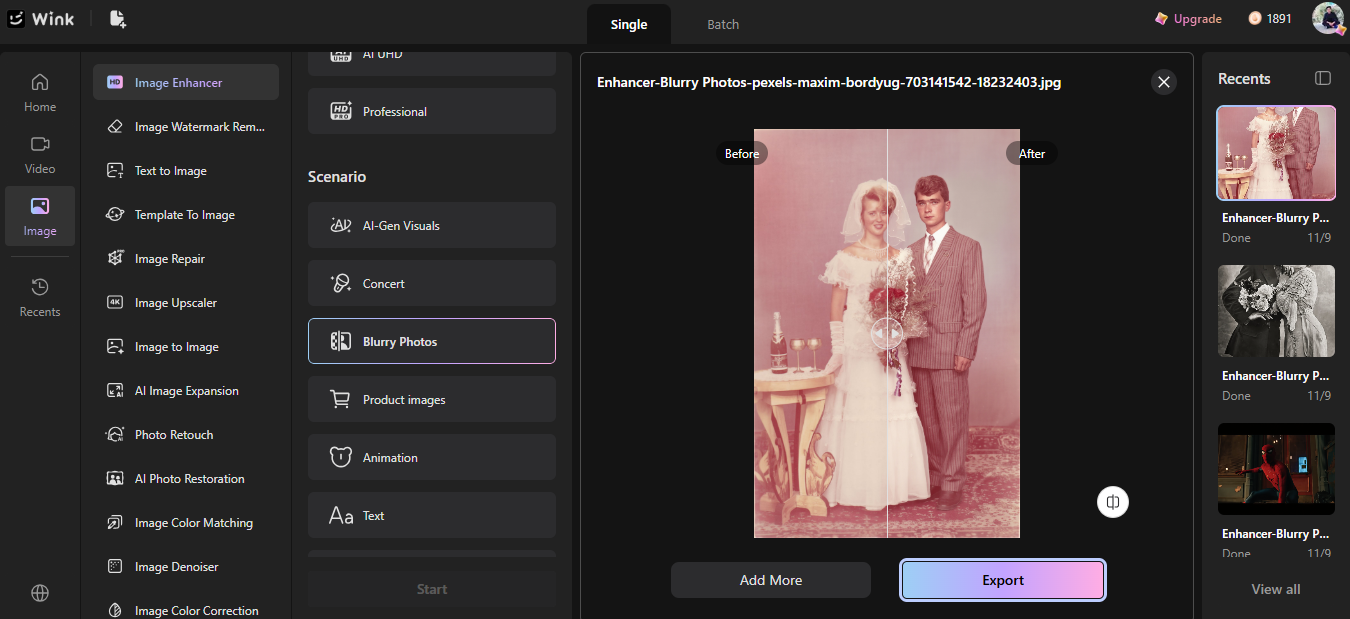
Use Wink’s Image Enhancer
Upload the photo it to the Wink Image Enhancer. When editing wedding photos with Wink, you can use different modes such as HD, Ultra HD, Portrait, and AI UHD. And if you’ve got multiple images you want to work on, you can upload all of them in batches rather than edit them one by one.
Don’t edit things too much! Some people might decide the maximum setting is the one that will give the best result but that’s rarely the case. You don’t want the new image to look airbrushed or fake. A very old family photo will likely look better with just a subtle sharpening and colour correction.
Wink has Adjustable Enhancement Strength so try a lighter enhancement first and check the faces and small details. You want the photo to look clearer while still looking like the photo your family remembers.
What If the Photo Is Tiny?
This happens quite often with old digital images. A older digital camera may have only been able to shoot at 10 megapixels so the image is now really small by today’s standards. If you try and enlarge these photos the images will be really pixelated or blurred. The Wink image upscaler allows you to enlarge photos, with options like 1080p, 2K, and 4K.
A Few Other Ways to Rescue the Wedding Album
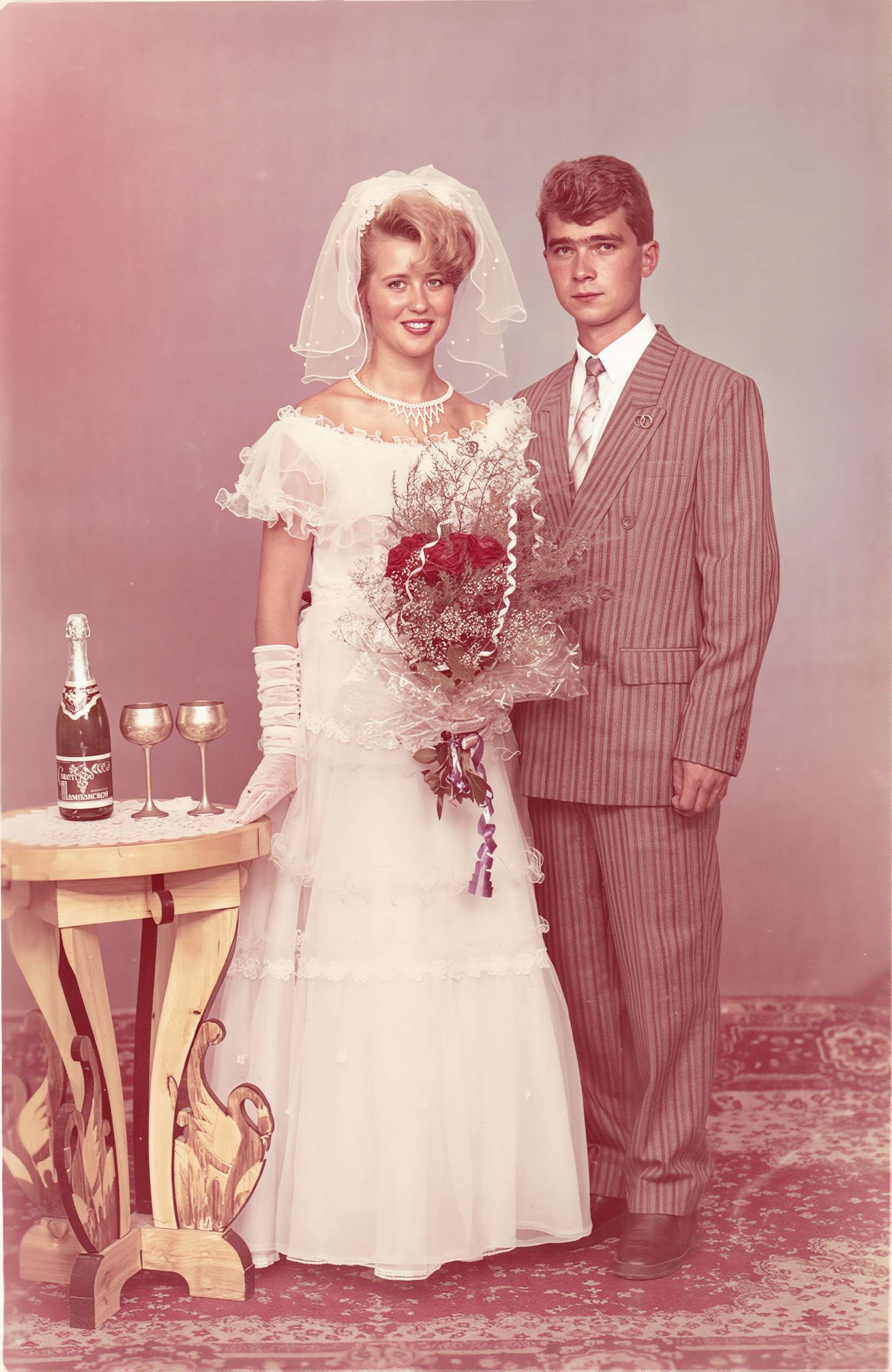
After scanning an old, printed photograph, you may find that it has scratches, creases, faded spots, or even other stains from years ago.
Through Wink AI Image Repair, you will be able to get rid of these imperfections and restore some of the lost details. You can also enable AI Colour Correction to improve the colours of the old hazy photos.
Tips for Better Wedding Photo Restoration
📸 Keep the original: It is always a good idea to make a duplicate copy of the original image before you start making any changes.
📸 Look at the photo carefully: Be sure to evaluate faces, clothes, background, and minor details before saving the last version of a restored photo.
📸 Test several photos first: When you have a complete album, it is better to try the settings using a few images only for a test and leave the rest to be done by using the same settings.
📸 Print it only if it is needed: Keep the high quality of your image by using the right saving method, especially if the photo will be printed later.